
A tag that helps bring them home
How a KediSmart tag works
One physical tag. Two ways in. The same trusted profile every time.
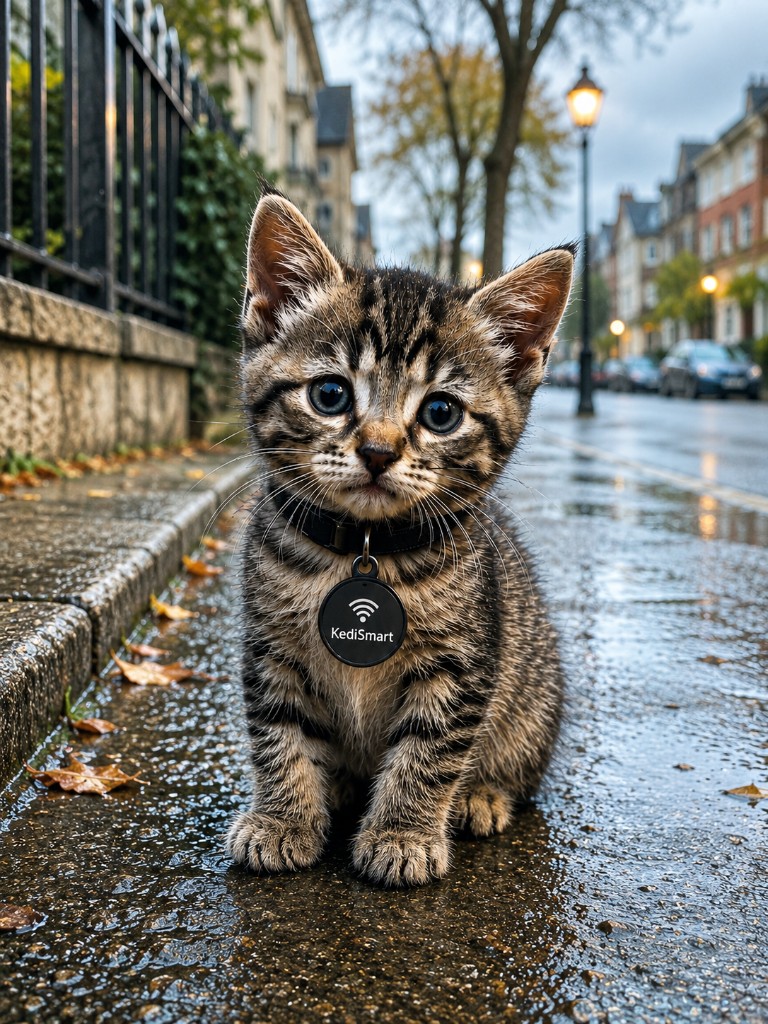
Lost mode on
Last seen · Gulshan 2 — reward note optional
Lost mode when every minute matters
Flip lost mode from your dashboard. The next person who scans sees an urgent alert, last-seen details, and — if you choose — a reward note.
Sign in to manage tags & lost mode →You control what strangers see
Show name and photo — or keep it minimal. Allow call, WhatsApp, or anonymous chat. City-only location. Masked messages so your number stays private until you decide.
- Public fields you choose
- Anonymous finder chat
- Optional call & WhatsApp
- City-level location privacy
Smart tag FAQ
How does a KediSmart NFC pet tag work?
Each tag links to a private pet profile. When someone taps NFC or scans the QR code, they can message you anonymously if your pet is lost — without seeing your personal phone number by default.
Do I need a special phone to use the tag?
Most modern smartphones support NFC tap or QR scanning with the built-in camera. Finders without NFC can still use the QR code printed on the tag.
Is my personal information visible to strangers?
Profiles are privacy-controlled. You choose what finders see. Lost mode enables anonymous messaging so you can arrange a safe reunion.
Ready to protect your pet?
Register, add a pet, link your tag UID, and share the QR. Finders already know what to do when they scan.